
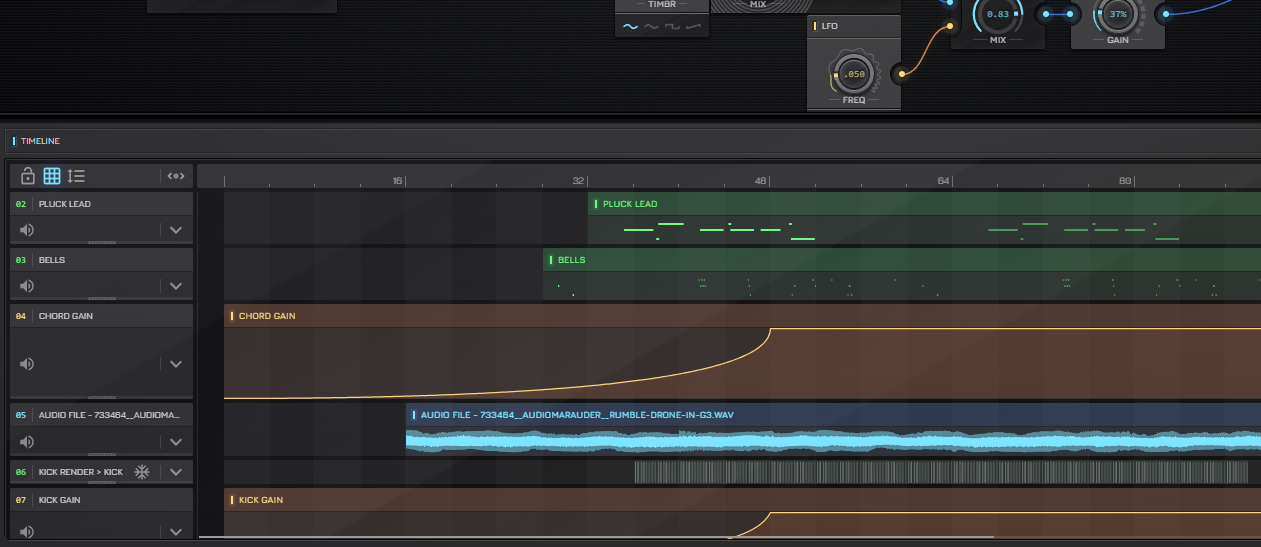
It’s been slightly longer than usual, but we have a major update to AudioNodes finally releasing today! The 0.15.0 update gives the Timeline a redesign and brings important QoL upgrades, fixes, and new features to it. It also adds a new solo listen mode, a brand new custom drawn wavetype option for Oscillator and LFO Nodes, a new unison mode for Poly Subpatch Nodes, and a myriad of additional changes and important fixes. And last, the VST Plugin Node is no longer experimental after a long stretch of fixes! Enjoy!
Priority Fixes
- Fixed a bug that was causing some notes to be silent when exporting or rendering
- Fixed several issues where peak normalization during export would produce the wrong level
- Fixed a bug that would cause some Nodes on the Patcher to cause heavy UI lag
- Envelope Node and Envelope Pattern Node no longer incorrectly output silence when using negative control point times
- Note: this is possible to do from the Timeline by moving a clip forward, and then extending its start point towards the left, then placing control points in that region
Timeline Changes
This update ships several important QoL changes and a major visual upgrade to the Timeline:
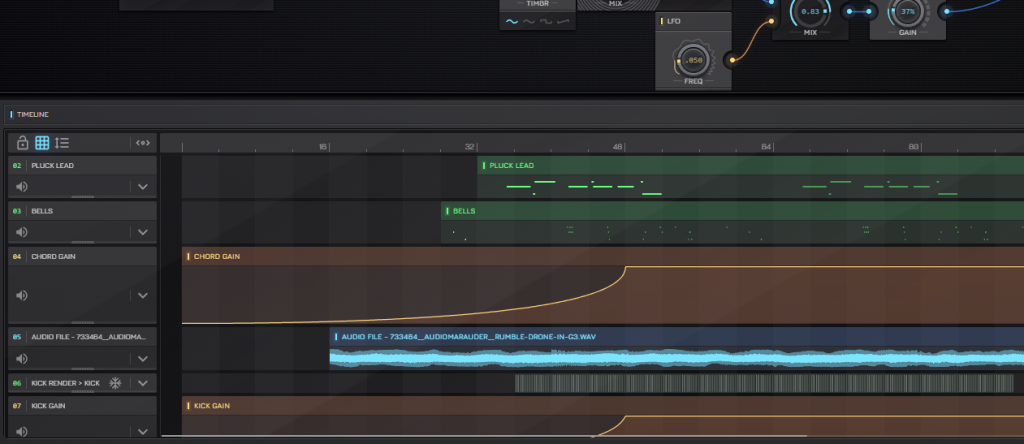
Major Timeline Changes
- Adjusted colors and brightness throughout the entire Timeline to make it easier on the eye
- Each track is now resizable independently on their own (or together with other tracks)
- Added the ability to drag an entire track in the left column
- Dragging tracks to reorder them now shows where they’ll land
- Dragging the project duration handle in the header now auto-scrolls the Timeline
- Redesigned the Insert Gap function, it’s now consistently available from the Timeline header (along with its settings in the same place)
- Fixed a bug where closing the Timeline would case the split screen not to get re-enabled
- Fixed a bug where opening the Timeline in a secondary screen would appear with the wrong font
- Fixed a bug in the desktop app where pressing Ctrl/Cmd+D on the Timeline would clone the selected Nodes instead of duplicating the selected clips
- The Snap to grid option now has a menu to configure what to snap to, including:
- The timeline grid (how it worked before)
- Clip starts/ends
- Envelope control points
- Sequencer/piano roll notes
Assign Envelope
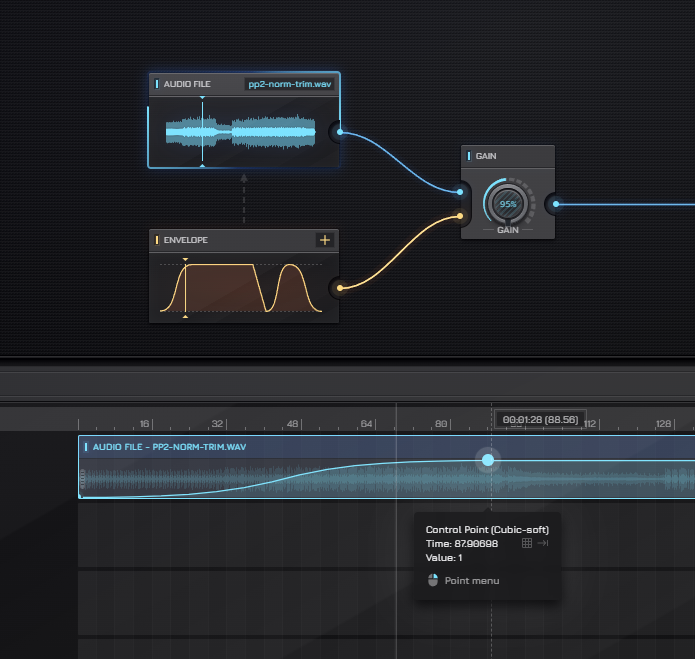
The Assign Envelope (formerly Quick-Add Envelope) receives a major redesign itself. Assigning an Envelope Node to an Audio File Node now makes the Envelope Editor appear inside the Audio File Node itself on the Timeline, while visually indicating the assignment on the patcher:
Solo Listen
A new core feature in this update is the new solo listen option:
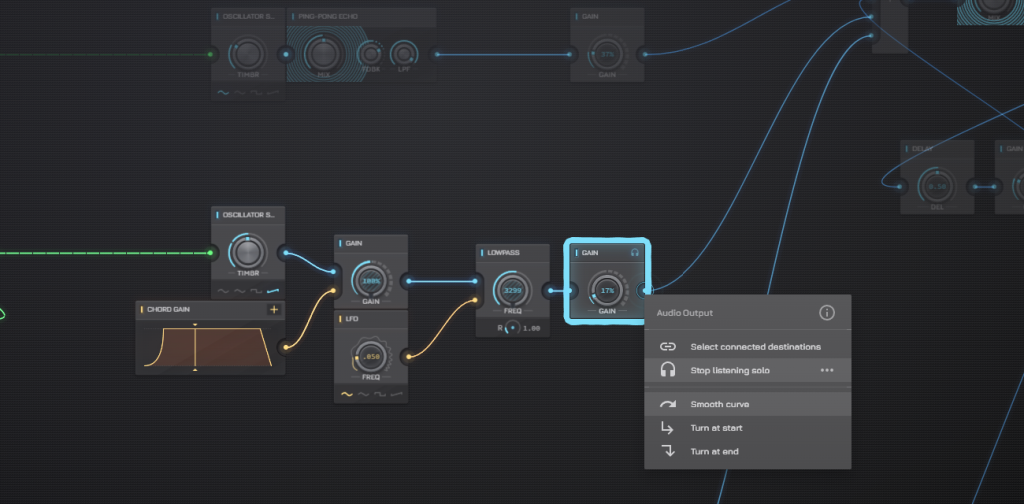
This can be activated from the right click menu of Nodes or their outputs, and will then mute every Audio Destination Node and route the solo-listened Node’s output directly to your system output.
VST Plugins
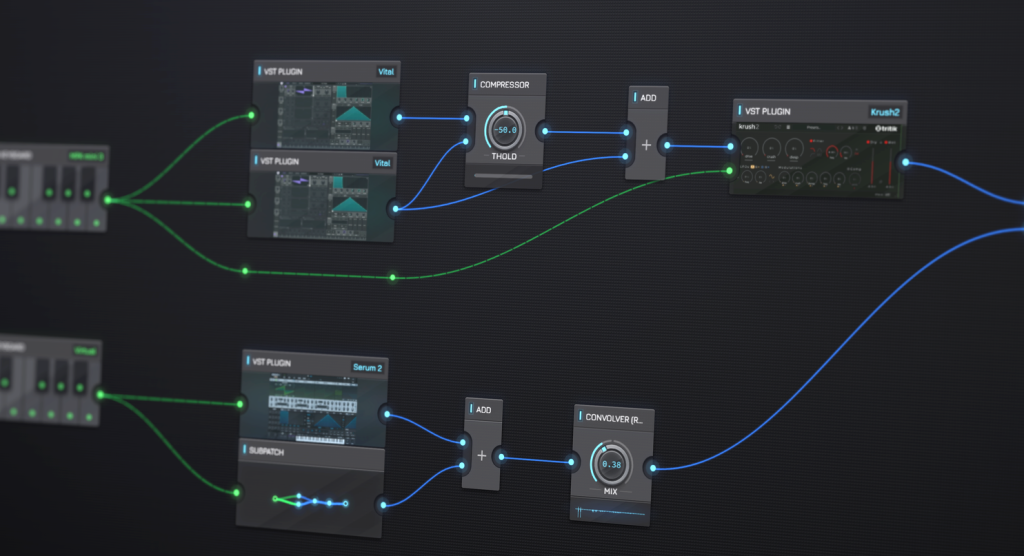
The VST Plugin Node receives a large number of fixes in this update and is no longer experimental. Enjoy!
Major VST Changes
- VST plugins in Rendered Subpatch Nodes should now properly trigger a re-render on all changes
- VST plugins that support it now receive timeline playback head information
- Fixed a performance bug where the VST Plugin Node would have unnecessarily high CPU use
- Fixed a bug on MacOS where various VST3 plugins would crash while loading
- The window for a VST plugin now always stay on top of AudioNodes unless minimized (but not other windows)
Envelope Editor
- Added a new Exponential type, which is now the default for new control points
- Added a new setting for changing the envelope line style
- If the control point type supports it, the entire curve can now be dragged in-between control points
Node Changes
ADSR Node
- Optimized the ADSR Node’s signal-trigger mode: with a trigger that’s constant and under the threshold, the ADSR Node will now output a const-0 (in non-inverted mode only)
Audio File Node
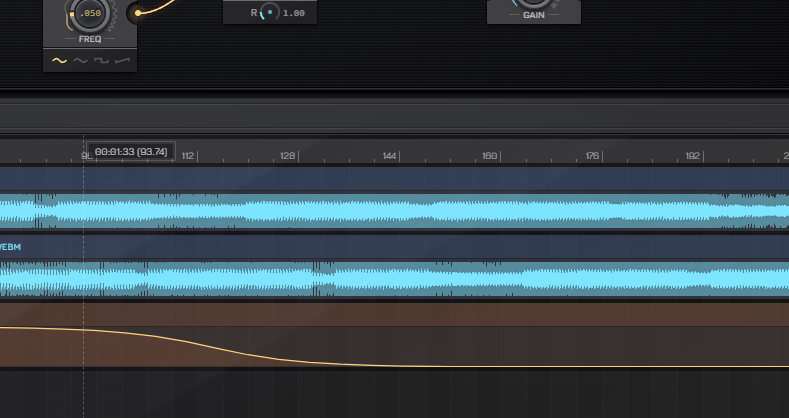
- Redesigned waveform visualization to show a combination of amplitude and RMS peaks
- Fixed a bug where scrolling on the Timeline while zoomed in would cause the waveform visualization to slightly change; the visualization is now stable during scrolling
- Editing during playback no longer causes audio to play slightly earlier
Convolver Node
- Updated impulse response waveform visualization to use the same updated visuals
- Added special case optimization for when the Mix setting is a constant 0 (either set by the Node’s own setting, or via const input control), causing it to no longer take up processing load in this case
- File load errors are now also visible on parent Subpatch Nodes (like Audio File Node load errors)
Envelope Pattern Node
- Fixed several visual bugs with auto-align off
LFO Node
- Added a new Custom wavetype option where you can draw the waveform (similar to the Envelope Pattern Node)
- Added an additional decimal point of precision to the Frequency setting
- Adjusted Frequency setting scaling to work better with common LFO frequencies
MIDI Keyboard Node
- The MIDI Keyboard Node no longer prevents changing keyboard hotkeys while a MIDI device is connected
- Fixed a bug where the fullscreen keyboard would show keys as disabled well below the highest playable note, and highlight the wrong keys while playing, when more than one octave was visible
- Notes above G9 (MIDI note 127, the highest note MIDI supports) are now disabled and no longer play, and the highest selectable octave is now 9
MIDI Knob Node
- The placeholder when a device is not assigned is no longer misaligned on the Patcher
Oscillator Node
- Added a new Custom wavetype option where you can draw the waveform using an envelope editor (similar to the Envelope Pattern Node)
Poly Subpatch Node
- Added a new, configurable Unison setting, which sends notes to multiple voices simultaneously
Snippets & Custom Nodes
- Replaced the Open URL option with a Copy URL option for both snippets and custom Nodes
- The shared page now correctly displays the author instead of “anonymous user”
- Improved description formatting, the shared page should be a lot closer to what you see in AudioNodes now
- Fixed a bug where some larger snippets and custom Nodes wouldn’t generate their thumbnail (there is still a technical limit where some huge snippets won’t render, but it should be much higher now)
Misc Changes & Fixes
- The processing load meter no longer occasionally goes to MAX while AudioNodes is minimized
- Fixed a high memory use issue while opening projects with a large file size
- Dragging some elements no longer causes auto-scroll where it doesn’t make sense — for example dragging the edge of a clip no longer causes vertical auto-scrolling, given it’s a horizontal resize
- Fixed a visual glitch where envelopes would display an extra vertical line at the edge of timeline clips