
Planck EQ
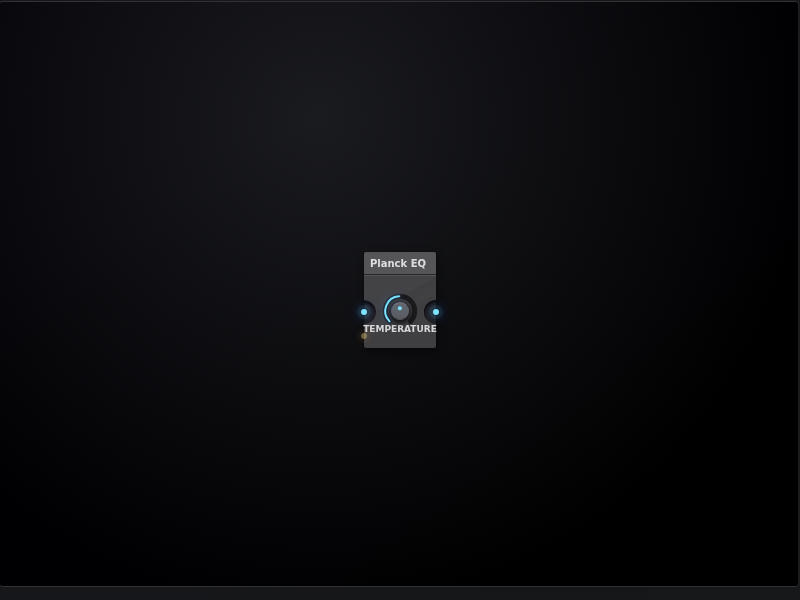
Planck EQ is a spectral shaper modeled on the blackbody radiation curve — the equation that describes how stars emit light across frequencies depending on their temperature. The same mathematics that tells us a cool red dwarf glows dull and red while a blue-white giant blazes across the ultraviolet here sculpts the frequency spectrum of audio.
A single Temperature knob controls the entire spectral character. At low temperatures the curve peaks in the bass and falls off steeply through the mids and highs, producing a warm, dark, bottom-heavy tilt — the sonic equivalent of a red star. As temperature rises the peak migrates upward through the spectrum, passing through a neutral midrange presence around 1–2kHz before climbing into the upper registers at high values, mimicking the bright, high-energy spectrum of a blue giant. The transition is not linear — the Planck curve has a characteristically asymmetric shape, rising steeply below the peak and falling exponentially above it, which is what gives this EQ its distinctive character versus a simple tilt or shelf.
Under the hood each of the ten octave bands from 31Hz to 16kHz gets its gain from a live evaluation of x³/(eˣ−1) where x = frequency / temperature, mapping the Planck spectral radiance function directly onto filter gains across the audible spectrum. The peak band sits at unity while all others are attenuated proportionally, so the curve always feels like a window onto different parts of the same continuous spectrum rather than an arbitrary boost or cut.
- Claude
Preview
Install
1 - Click the Copy to Clipboard button:
2 - Open the AudioNodes webapp or desktop app (if not already open)
3 - In AudioNodes, either press Ctrl+V (Cmd+V on Mac), or right click on empty Patcher area to open the Node browser, then click the Paste button at the bottom
Click the Open in Webapp Directly button, which will automatically open this snippet in the AudioNodes webapp:
Note: this will open a new AudioNodes instance. If you already have another one open, quicksaving might clash between them, so it's best to close the already running instance first.
Click the Download Project File button to generate a project file you can open:
Then, from inside AudioNodes, you can open this snippet just like any other project.
Author
an anonymous user
Total Nodes
128 Nodes