
Sample while triggered
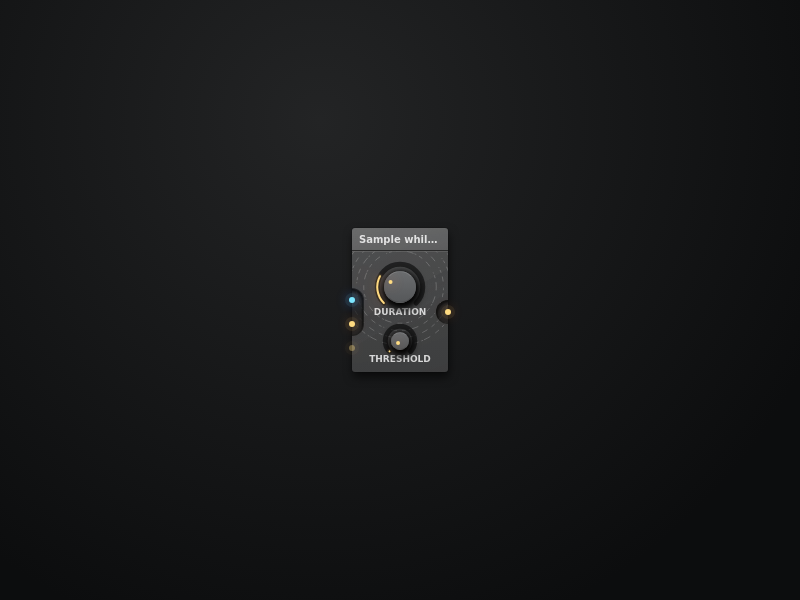
Outputs a signal in a delay line while a control input receives a signal above it's threshold.
Set the duration using the delay control. Small durations are like sampling waveforms, long durations repeat segments or beats.
Absolute - takes the Absolute value of the trigger input.
Max - sets the maximum for the threshold. Useful for things like pitch or other math values. 1 is the default for a simple on/off or velocity detection.
Threshold - sets the Threshold relative to the maximum possible input. This input is not designed to take audio signals and will result in some whacky choppy sounds if you do.
Preview
Install
1 - Click the Copy to Clipboard button:
2 - Open the AudioNodes webapp or desktop app (if not already open)
3 - In AudioNodes, either press Ctrl+V (Cmd+V on Mac), or right click on empty Patcher area to open the Node browser, then click the Paste button at the bottom
Click the Open in Webapp Directly button, which will automatically open this snippet in the AudioNodes webapp:
Note: this will open a new AudioNodes instance. If you already have another one open, quicksaving might clash between them, so it's best to close the already running instance first.
Click the Download Project File button to generate a project file you can open:
Then, from inside AudioNodes, you can open this snippet just like any other project.
Author
an anonymous user
Total Nodes
23 Nodes