
The Piano Roll belongs to a Piano Roll Node, you can open it by right clicking it and then choosing edit. You can also open it from the node’s properties. On touch devices, you can open it by triple-tapping the node, or by tapping the node, then tapping the gear button in the header, then tapping the piano roll on the properties panel.
This is a standard piano roll editor you can find in most digital audio workstations. You use it to place and edit notes which you can then play to make music.
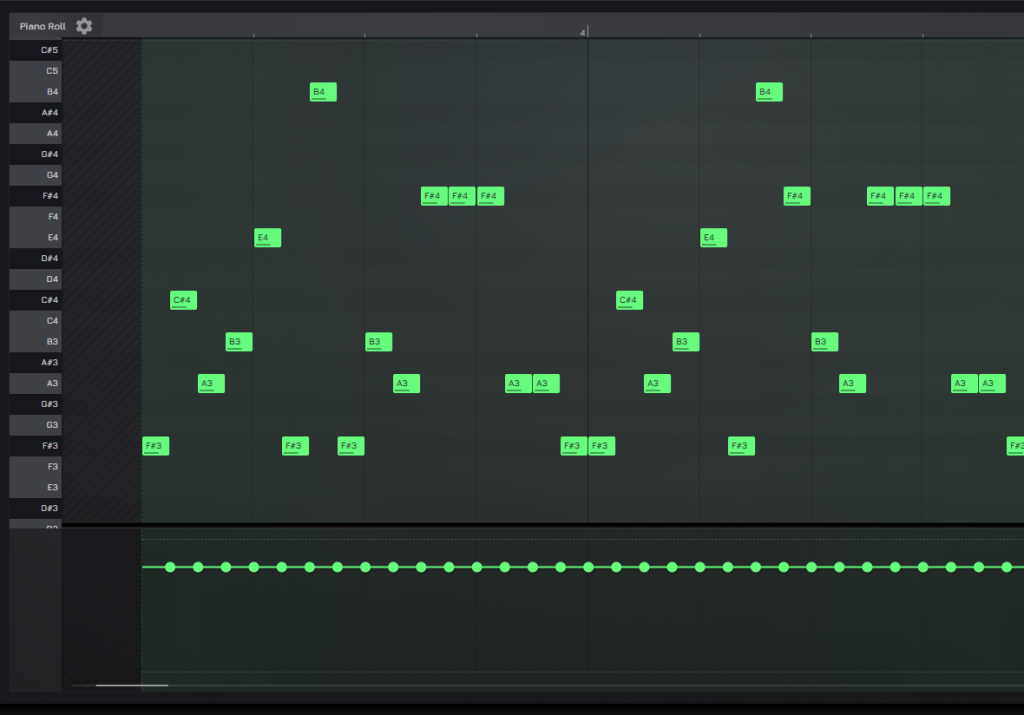
Editor Overview
From top-left to bottom-right:
- Header: A place for quick actions like recording, enabling/disabling repeat loop, and accessing editor settings
- Pitch marks panel: Displays note pitch for each line; clicking or tapping it will play a note at the given pitch
- Notes editor: Main part where note editing happens
- Velocity editor: Editing placed notes velocity
Basic Interactions
The Piano Roll behaves similarly to other editor surfaces in AudioNodes, such as the Patcher, with a few unique quirks:
- Drag empty area to move the screen (empty = anything but a note)
- Double click into a grid cell to place a note
- Click a note to select it
- Drag the center of a note to move it, or its edges to resize it
- Right click the note for options
- On touch devices: tap the note to reveal options in the header
- Click on empty area (once) to deselect notes
Output
There are some gotchas with the piano roll editor in AudioNodes that might come across as surprising if you are used to other digital audio workstations, or if it’s your first pass at one.
First, because of its modular nature, the notes you create in the piano roll affect only one thing: the Piano Roll Node’s own output. That output needs to be connected something to produce a sound, typically a synthesizer patch or custom Node. Check out Getting Started with Modular Synthesis, or see a complete example at https://www.audionodes.com/s/QwjyXRjY7N/.
Second, and this should be probably less surprising: you need to play the project. Look for the play button at the top header.
Related
- Sequencer Node — a more compact, much simpler UI for simple repeating melody patterns
- Drum Sequencer Node — a more compact, much simpler UI specifically for sequencing drum patterns